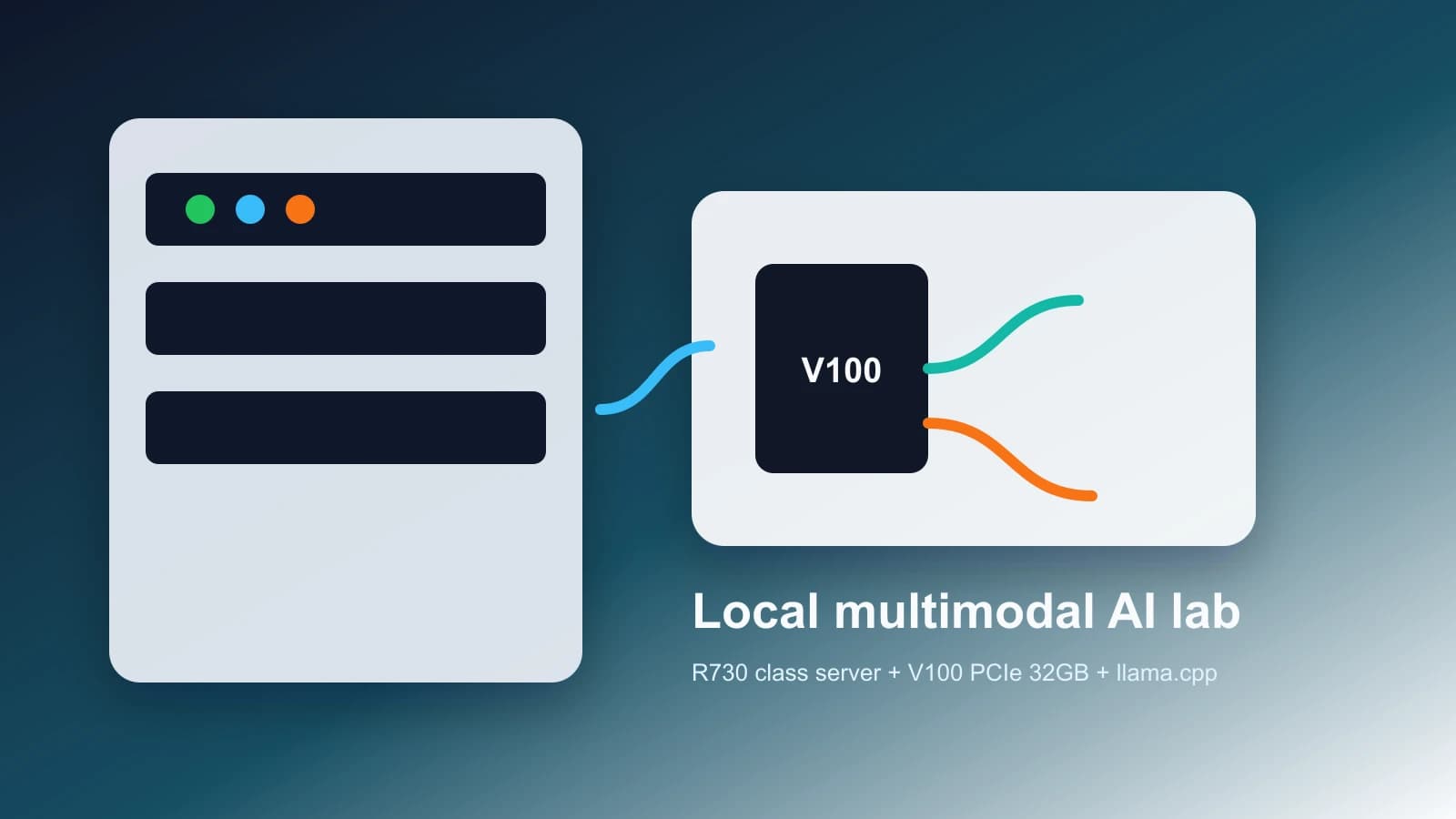
This is a redacted build note from a local V100 multimodal AI lab. It keeps network, host, service, validation, input, and answer details private while preserving the useful engineering record.
May 30, 2026
Building a Local V100 Multimodal AI Lab
A redacted hardware-to-inference build log
A server-class host was turned into a local multimodal inference lab around a Tesla V100 PCIe 32GB. The public version focuses on architecture, model tradeoffs, operational guardrails, and aggregate verification.
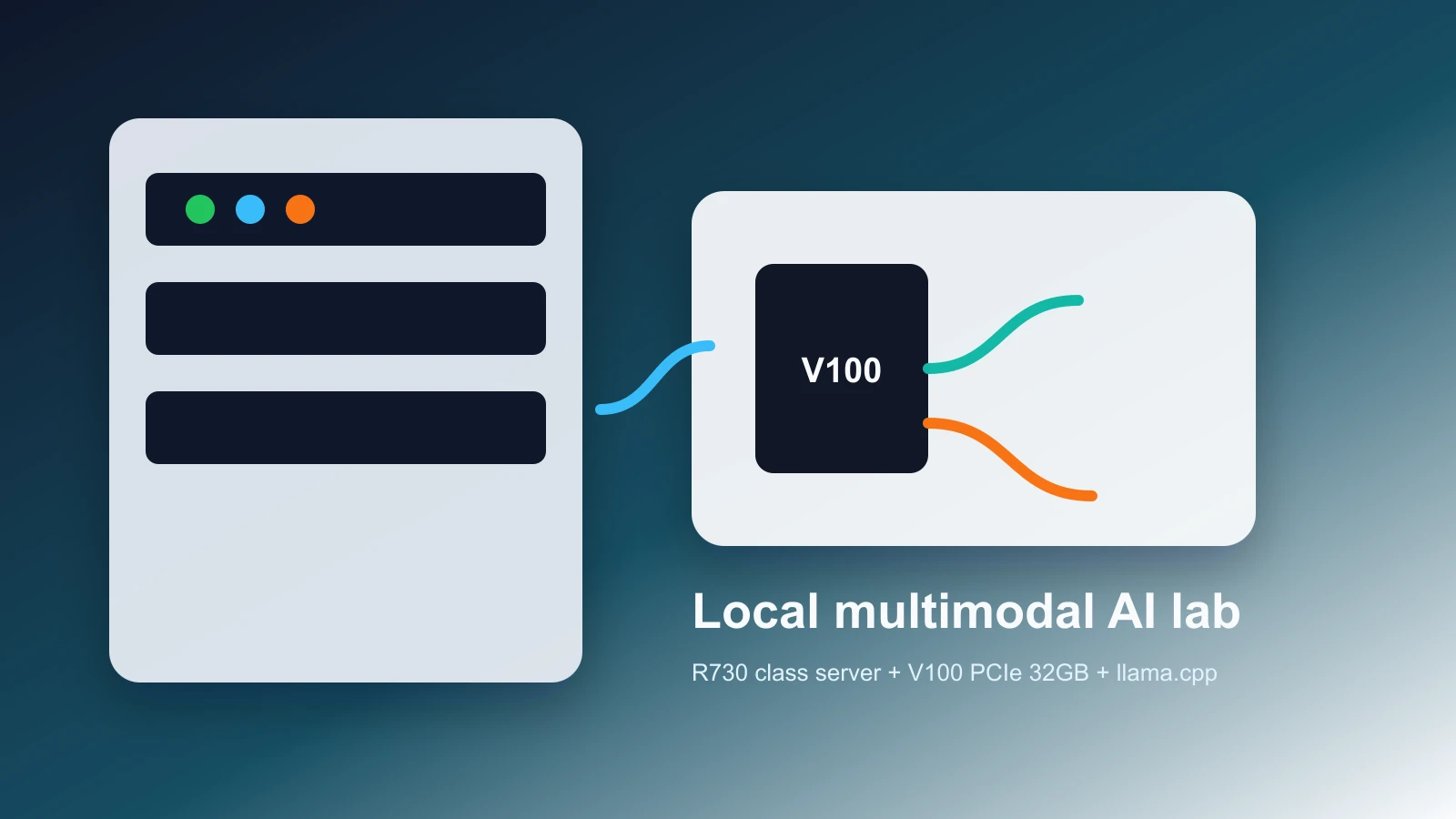
What changed
The useful part of the installation was not one command. It was the chain: confirm the PCIe device and link, install the right driver stack, keep the card thermally supervised, pass it through cleanly, and make model switching repeatable.
Lab pieces that mattered
The public version removes internal addresses and service names, but the engineering pattern is intact.
Model profile snapshot
| Profile | Context | VRAM posture | Throughput posture | Private visual QA |
|---|---|---|---|---|
| Qwen3.6 35B-A3B Q4 | 16k | about 24 GiB observed | around 60 decode tokens/s | completed privately |
| Gemma 4 26B Q4 | 8k | about 21 GiB observed | around 60 decode tokens/s | completed privately |
| InternVL3.5 Q6 | 16k | about 25 GiB observed | around 80 decode tokens/s | completed privately |
| InternVL3.5 Q4 | 16k | comfortable on 32GB | around 100 decode tokens/s | completed privately |
- Numbers are rounded local snapshots, not public benchmark claims.
- Private validation details are intentionally withheld.
Tradeoffs on a 32GB V100
Rounded observations help choose a default profile without exposing private validation material.
V100 installation gallery
01 / 06
Installation image 01
Payload CMS upload slot 01. Replace with a real installation photo when ready.
02 / 06
Installation image 02
Payload CMS upload slot 02. Replace with a real installation photo when ready.
03 / 06
Installation image 03
Payload CMS upload slot 03. Replace with a real installation photo when ready.
04 / 06
Installation image 04
Payload CMS upload slot 04. Replace with a real installation photo when ready.
05 / 06
Installation image 05
Payload CMS upload slot 05. Replace with a real installation photo when ready.
06 / 06
Installation image 06
Payload CMS upload slot 06. Replace with a real installation photo when ready.
| Area | Public status |
|---|---|
| Driver and CUDA path | Verified locally |
| Switchable model profiles | Verified locally |
| Private multimodal validation | Completed; validation details withheld |
| Operational disclosure | Network, host, virtualization, service, and path details redacted |
What I would repeat
The best pattern was to treat the V100 as an operations project before treating it as an AI project: prove the card is electrically stable, keep thermals and power visible, then make every model switch observable and reversible.